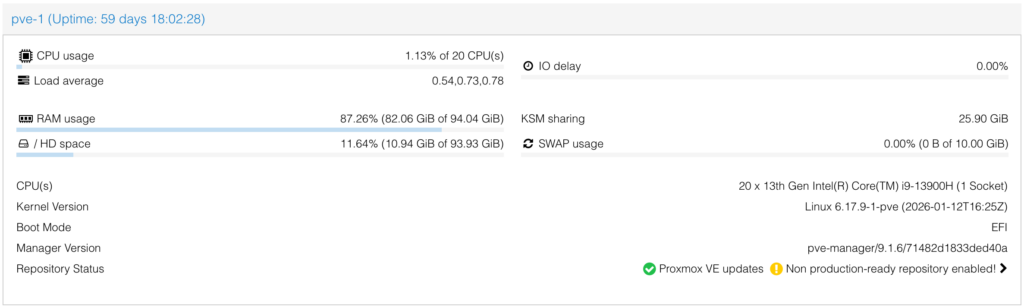
Did you know that if you’re using LVM partitions in your Proxmox cluster, resizing your swap space is actually super straightforward?
Instead of rebuilding or migrating anything, you can simply expand your swap volume on the fly and bring it back online in just a few commands.
Here’s how it works:
swapoff -a
lvresize -L +2G /dev/pve/swap
mkswap /dev/pve/swap
swapon -a
A quick breakdown:
swapoff -a → safely disables swap
lvresize → increases the logical volume size (in this example +2G)
mkswap → reinitializes the swap space
swapon -a → re-enables all swap defined in fstab
⚠️ Just make sure nothing critical is relying heavily on swap during the change.
Small trick, big convenience when managing storage in Proxmox clusters.